Is My Computer Worth Fixing? A Practical Guide to Making the Right Decision
One of the most common questions we hear at PC Warehouse is:
"Is my computer worth fixing, or should I buy a new one?"
There isn't a single answer that fits every situation. The right decision depends on the computer's age, its overall condition, how you use it, and perhaps most importantly, what it would cost to replace it with something that meets your needs.
At PC Warehouse, our goal isn't simply to recommend a repair or sell you a new computer. Our job is to help you make an informed decision based on your particular situation.
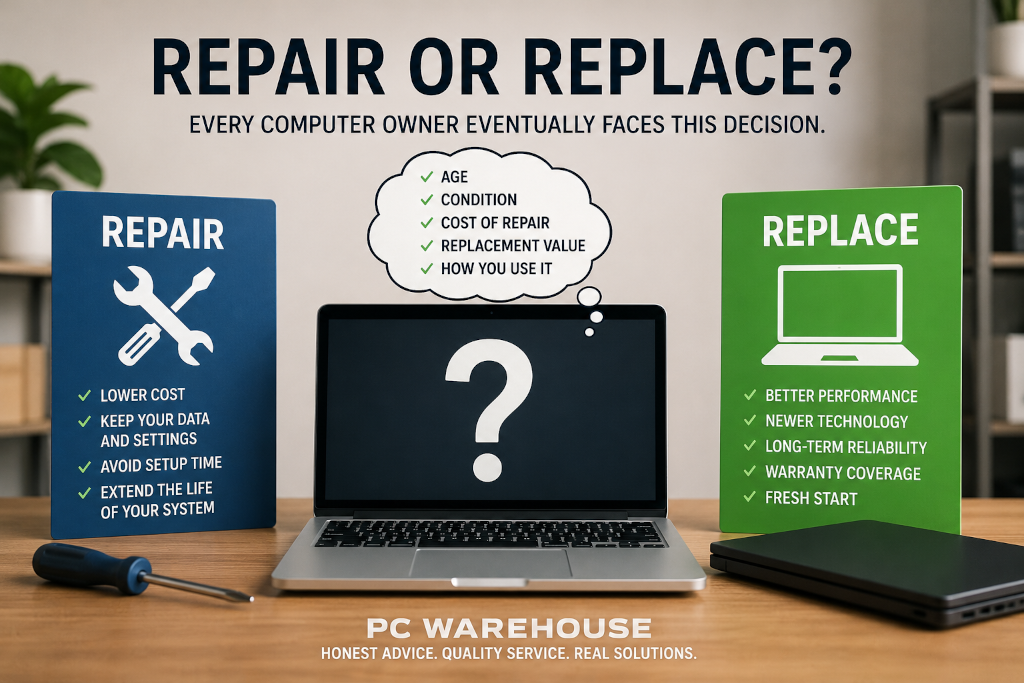
Image A: Repair or replace? Every computer owner eventually faces this decision.
Start by Looking Beyond the Repair Cost
Many people compare the repair estimate to the original purchase price of their computer. While understandable, this isn't always the best comparison.
A better question is:
"What would it cost to replace this computer with one that provides similar or better performance?"
Technology changes quickly. A computer that cost $1,500 several years ago may be outperformed today by a much less expensive system. On the other hand, some high-end workstations and gaming computers still provide excellent performance years later and can often justify major repairs.
The decision should consider the replacement value, not simply what was originally paid.
When Repairing Makes Sense
Many repairs are surprisingly cost-effective, especially when the computer still meets your needs.
Examples include:
- Replacing a failed hard drive or SSD.
- Installing additional memory (RAM).
- Replacing a laptop screen.
- Replacing a battery or charging port.
- Cleaning malware and repairing software problems.
- Replacing cooling fans or power supplies.
If the repair restores several more years of reliable service at a reasonable cost, repairing the computer is often the better financial decision.
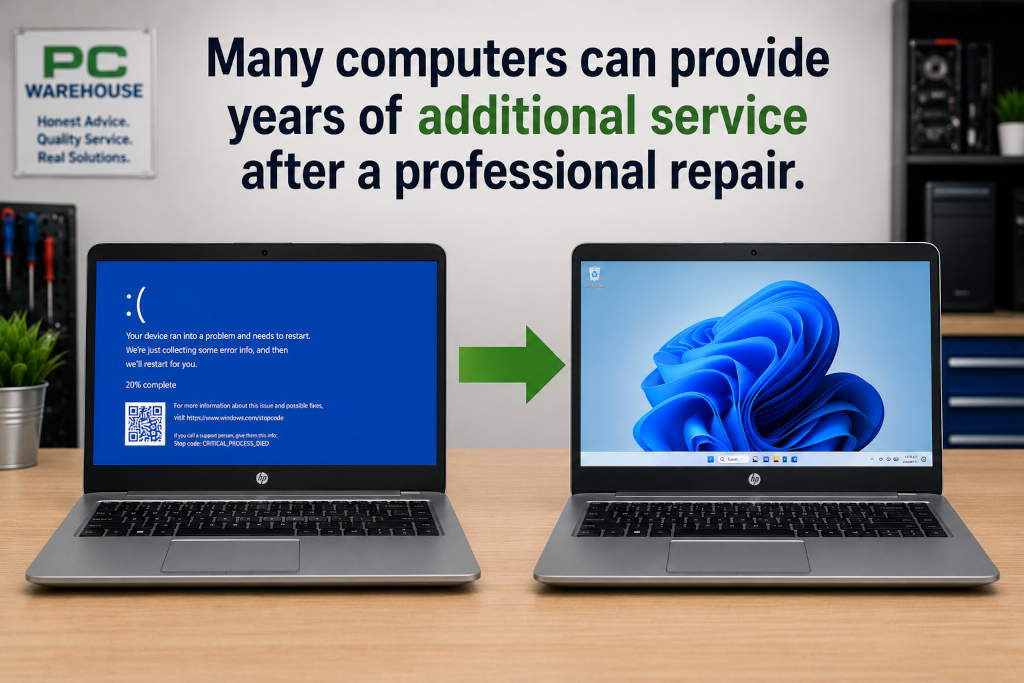
Image B: Many computers can provide years of additional service after a professional repair.
Preventive maintenance can also help avoid some repairs altogether. Regular software maintenance, health monitoring, managed Windows updates, and early detection of developing hardware problems can identify issues before they become major failures. While no maintenance plan can prevent every problem, catching issues early often reduces downtime and unexpected repair costs.
These preventive services are included with PCW Guardian, where automated maintenance is combined with oversight from the technicians at PC Warehouse. Rather than waiting for something to break, many potential issues can be identified before they interrupt your work.
Scenario 1: There Is Little or No Valuable Data
Sometimes the decision is relatively straightforward.
If your computer contains little or no important data, uses mostly cloud-based services, and has very few applications installed, replacing the computer may be the simplest option when a major hardware failure occurs.
For example, many people primarily use:
- Web browsing
- Streaming services
- Cloud storage such as OneDrive, Google Drive, or iCloud
- Online banking
If everything important already exists online and only a few applications need to be reinstalled, moving to another computer may involve relatively little effort.
In situations like these, the repair decision can often be based almost entirely on the hardware itself.
Scenario 2: Your Computer Contains Important Data
Now consider a different situation.
Your computer contains years of family photos, financial documents, work files, school projects, email archives, and personal records.
Whether you decide to repair the existing computer or purchase a replacement, those files still need to be safely transferred to the new system.
It's important to understand that data migration is generally a separate service from the hardware repair itself. Those services are often required regardless of whether the existing computer is repaired or replaced.
For that reason, when deciding whether a repair is worthwhile, it is often helpful to evaluate the repair itself independently from the work required to move your data.
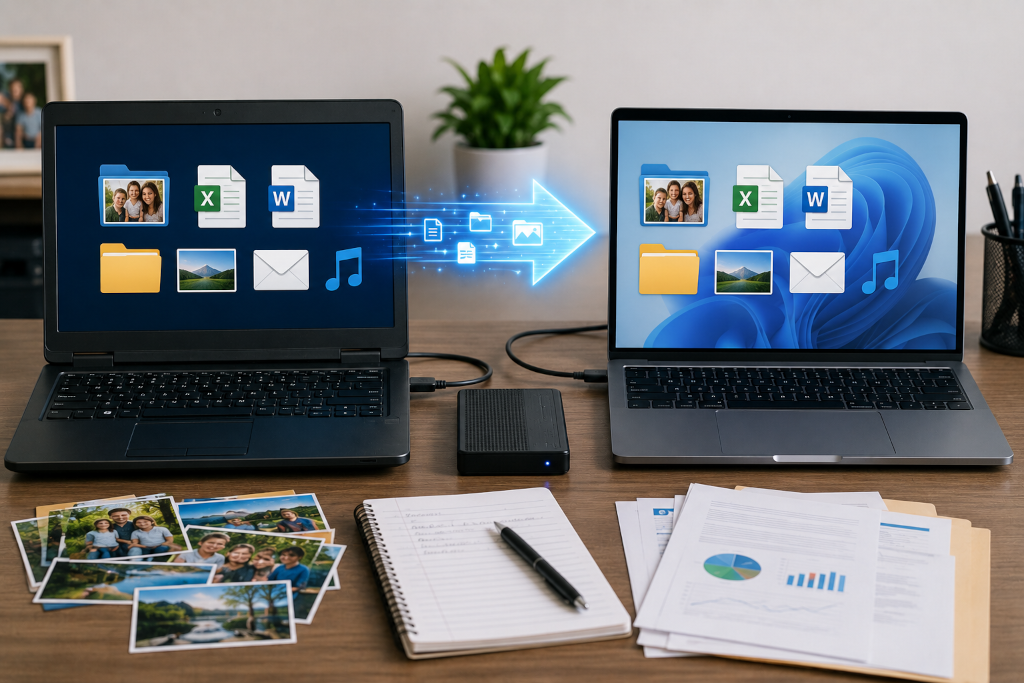
Image C: Important files deserve careful handling whether you're repairing your current computer or moving to a new one.
Planning Ahead Can Make Future Transitions Easier
One of the best times to think about protecting your computer isn't after a failure, it's before one occurs.
Customers enrolled in PCW Guardian+ or PCW Guardian Pro benefit from automated off-site backups that help protect important files against hardware failure, theft, accidental deletion, and many other unexpected events. While backups don't eliminate the need to repair or replace a computer, they can significantly reduce the stress of knowing your important information is already protected.
Having a current backup also provides more flexibility when deciding whether to repair an existing computer or move to a replacement system, because your files are already safely stored elsewhere.
Scenario 3: Years of Software, Settings, and Customization
Some computers represent far more than the hardware sitting on the desk.
Over many years, a computer may accumulate:
- Specialized business software.
- Industry-specific applications.
- Custom workflows and settings.
- Bookmarks and browser profiles.
- Email accounts and archives.
- Printers and network configurations.
- Accounting software.
- Audio, video, engineering, or design applications.
- Software licenses that may no longer be obtainable.
Even if a brand-new computer offers faster performance, recreating years of software installations and configuration can require many hours (or even days) of work.
In situations like these, repairing the existing computer may provide significantly greater value than the repair estimate alone suggests.
The hardware is only part of the investment. The time spent configuring the system over many years often represents an even larger investment.
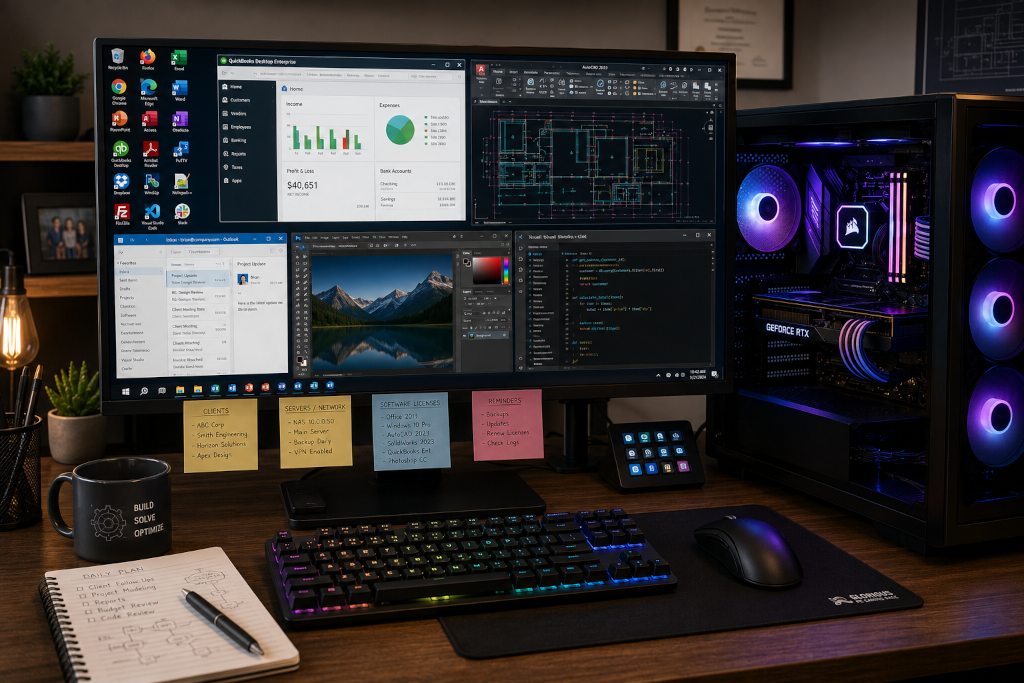
Image D: Years of software configuration and customization can be more valuable than the computer itself.
For customers with PCW Guardian Pro, image-based backups can make recovering from a hardware failure even easier. In many situations, the entire Windows environment (including installed programs, settings, and personal files) can be restored to replacement hardware, reducing the amount of time needed to get back up and running.
When Replacement Makes More Sense
There are certainly situations where replacing a computer is the better decision.
Examples include:
- Multiple major hardware failures occurring at the same time.
- The replacement cost is only slightly higher than the repair cost.
- The computer no longer meets your performance requirements.
- Replacement parts are no longer available.
- The repair would not significantly extend the useful life of the computer.
In these situations, investing in newer hardware often provides better long-term value.
Not All New Computers Are Built the Same
If replacing your computer is the best choice, it's worth remembering that not all computers are built with the same goals in mind.
Many mass-produced systems are designed to meet a price point. They may include proprietary components, limited upgrade options, or lower-quality power supplies, cooling systems, and motherboards.
At PC Warehouse, we also build custom desktop computers using carefully selected components from trusted manufacturers. Every custom system is designed around the customer's specific needs whether that's home use, business, content creation, engineering, or high-performance gaming.
Because our systems use industry-standard components whenever practical, they are generally easier to upgrade, repair, and maintain throughout their lifespan. Rather than replacing the entire computer every few years, many customers are able to extend the life of their investment through thoughtful upgrades as technology evolves.
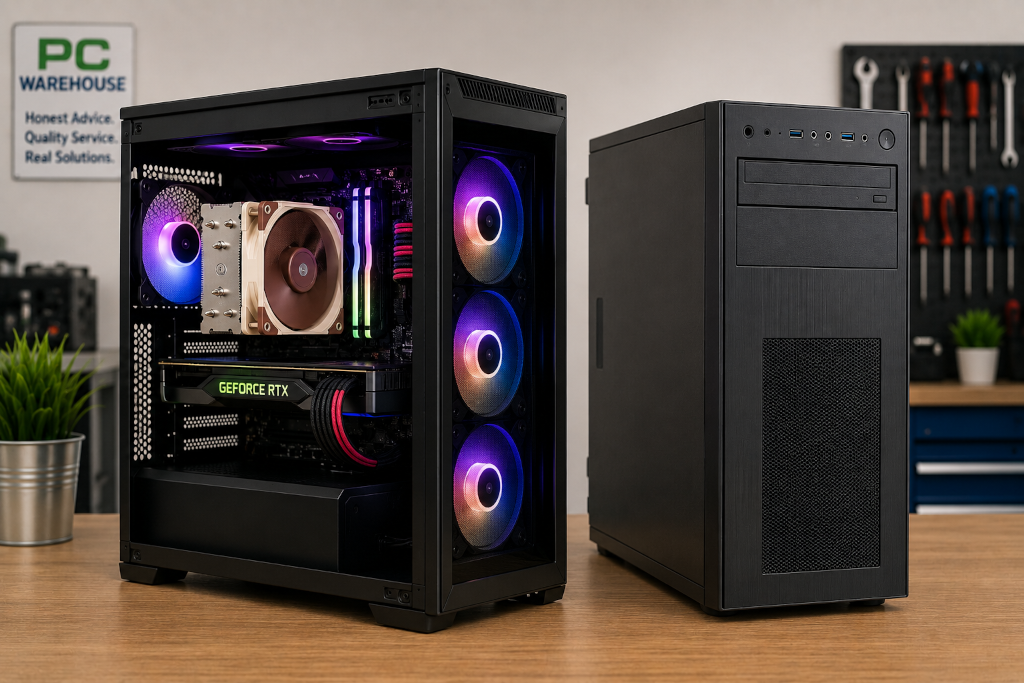
Image E: A professionally built custom PC designed for long-term reliability, performance, and future upgrades.
Every Situation Is Different
There is no universal age or dollar amount that determines whether a computer should be repaired or replaced.
A five-year-old computer may be an excellent repair candidate, while a two-year-old computer that has suffered catastrophic damage may not be economical to repair.
The best decision comes from evaluating the complete picture:
- The overall condition of the hardware.
- The estimated repair cost.
- The cost of an equivalent replacement.
- Your performance expectations.
- The amount of software configuration already invested in the system.
- The expected lifespan after the repair.
We're Here to Help You Decide
At PC Warehouse, we believe customers deserve honest recommendations, not sales pressure. If repairing your computer is the best value, we'll explain why. If replacing it makes more financial sense, we'll tell you that too.
For customers who want to reduce the chances of facing the same decision again in the future, PCW Guardian provides proactive maintenance, technician oversight, controlled Windows updates, health monitoring, and optional off-site backup services to help keep computers running reliably for years to come.
Whether you're looking to extend the life of your current computer, invest in a professionally built custom PC designed for the long haul, or proactively maintain your existing system with PCW Guardian, our goal remains the same: helping you get the greatest value from your technology.