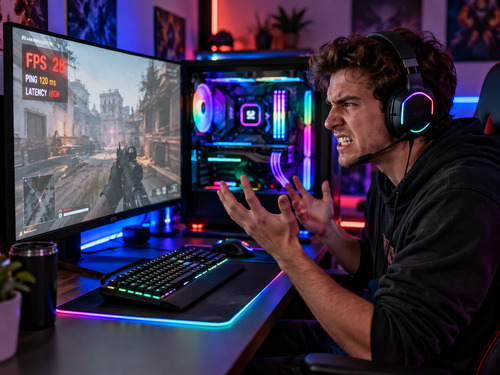
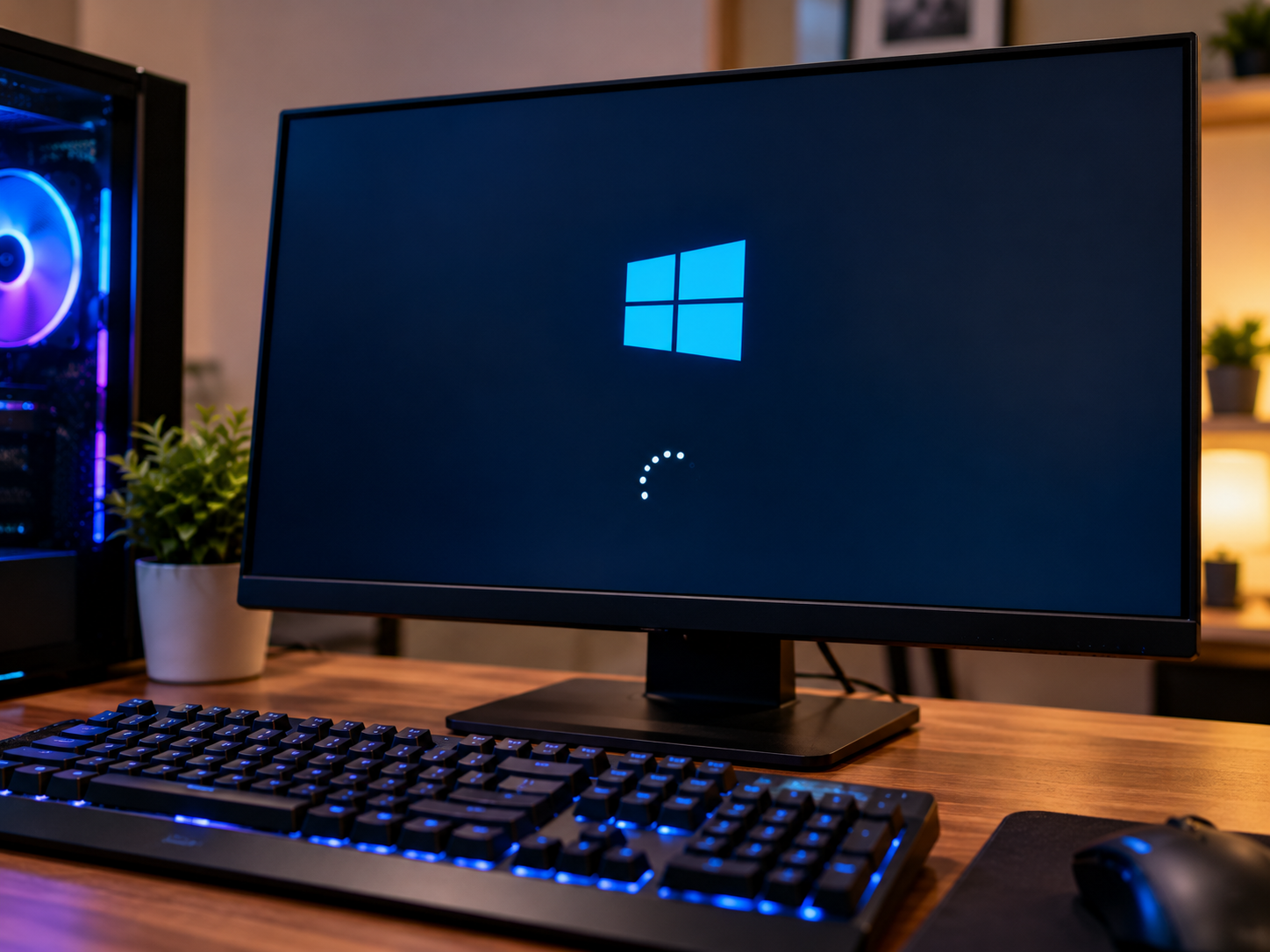
Few computer problems are more frustrating than pressing the power button and discovering your computer won't start. Whether your system displays a black screen, gets stuck on the manufacturer's logo, repeatedly restarts, or refuses to load Windows, the underlying cause isn't always obvious.
At PC Warehouse in Freehold, New Jersey, our Computer Startup & Boot Failure Diagnosis and Repair Service is designed to identify why your desktop or laptop won't start properly and determine the most appropriate solution.
A computer that won't boot doesn't necessarily need a new hard drive or a fresh Windows installation. Startup failures can result from damaged system files, incorrect firmware settings, failing hardware, or software conflicts. Different problems can produce nearly identical symptoms.
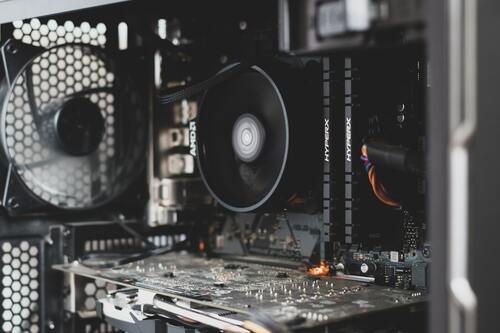
Our technicians evaluate the computer to determine whether the problem originates from hardware, Windows, storage, or system configuration before recommending repairs.
Just because Windows won't start doesn't mean your computer or your data is lost.
Whenever practical, PC Warehouse prioritizes repair options that preserve your existing Windows installation, installed applications, personal files, and system settings.
If the storage device is failing or Windows cannot be repaired, our technicians can evaluate alternative options, including drive replacement, operating system reinstallation, data transfer, or professional data recovery services when necessary.
Because failing storage devices can deteriorate with continued use, we assess their condition before attempting repairs that could place additional stress on the drive. Data preservation and recovery options depend on the condition of the hardware and the nature of the failure.
PC Warehouse diagnoses startup and boot failures affecting standard desktop computers, laptops, all-in-one systems, custom-built gaming PCs, and high-performance workstations. Whether the computer is completely unresponsive or repeatedly fails to load Windows, our technicians can evaluate the problem and explain the available repair options.
PC Warehouse finds out why your computer won't start and works toward getting you back up and running.My Computer Won't Start...Let PC Warehouse find the problem!
Once your computer is repaired, ongoing maintenance can help reduce the likelihood of future software-related problems. But what happens if Windows becomes unbootable or your storage drive suddenly fails?
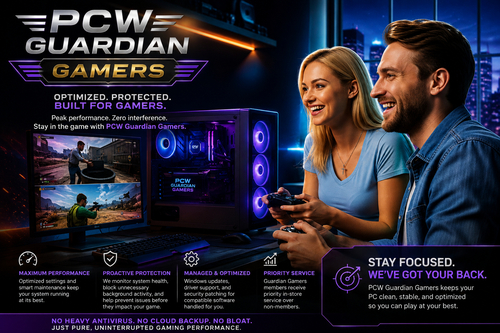
PCW Guardian provides ongoing computer maintenance, performance monitoring, automated remediation, and managed Windows and security updates, supported by PC Warehouse technicians.
For customers concerned about losing their Windows installation, installed programs, settings, or personal files, PCW Guardian Pro offers an additional layer of protection through managed off-site system image backups.
Unlike traditional file backups that protect only selected documents and folders, Guardian Pro backs up your entire system environment, including Windows, installed applications, system settings, and personal data.
If Windows becomes corrupted, your computer can no longer boot, or a storage drive fails, PC Warehouse technicians can use a recent successful system image backup to help restore your computer to a working state, provided the backup is available and suitable for restoration.
When Windows won't start or a drive fails, having a recent system image backup can mean the difference between rebuilding your computer from scratch and restoring your familiar Windows environment.
While no backup solution can prevent hardware failures or guarantee recovery in every situation, PCW Guardian Pro helps reduce the risk of permanent data loss and the time required to rebuild a computer after a serious failure. Restoration may require replacement hardware, and the recovery point depends on the most recent successful backup.
PC Warehouse repairs your computer. PCW Guardian maintains it. PCW Guardian Pro helps you recover when something goes seriously wrong.
Discover PCW Guardian ProProtect your entire Windows environment