What to Do If You Fall for a Tech Support Scam
Quick Answer: If you believe you've fallen victim to a tech support scam, stop communicating with the scammer immediately. If they gained remote access to your computer, disconnect it from the internet, contact any affected financial institutions, change your passwords from a different trusted device, and have the computer professionally inspected before using it again.
At PC Warehouse, we regularly help customers recover from tech support scams. We typically assist around ten victims every month. Professional scammers are highly convincing and often imitate legitimate companies using familiar branding, technical terminology, and realistic support procedures. If you fell for one of these scams, you are not alone.
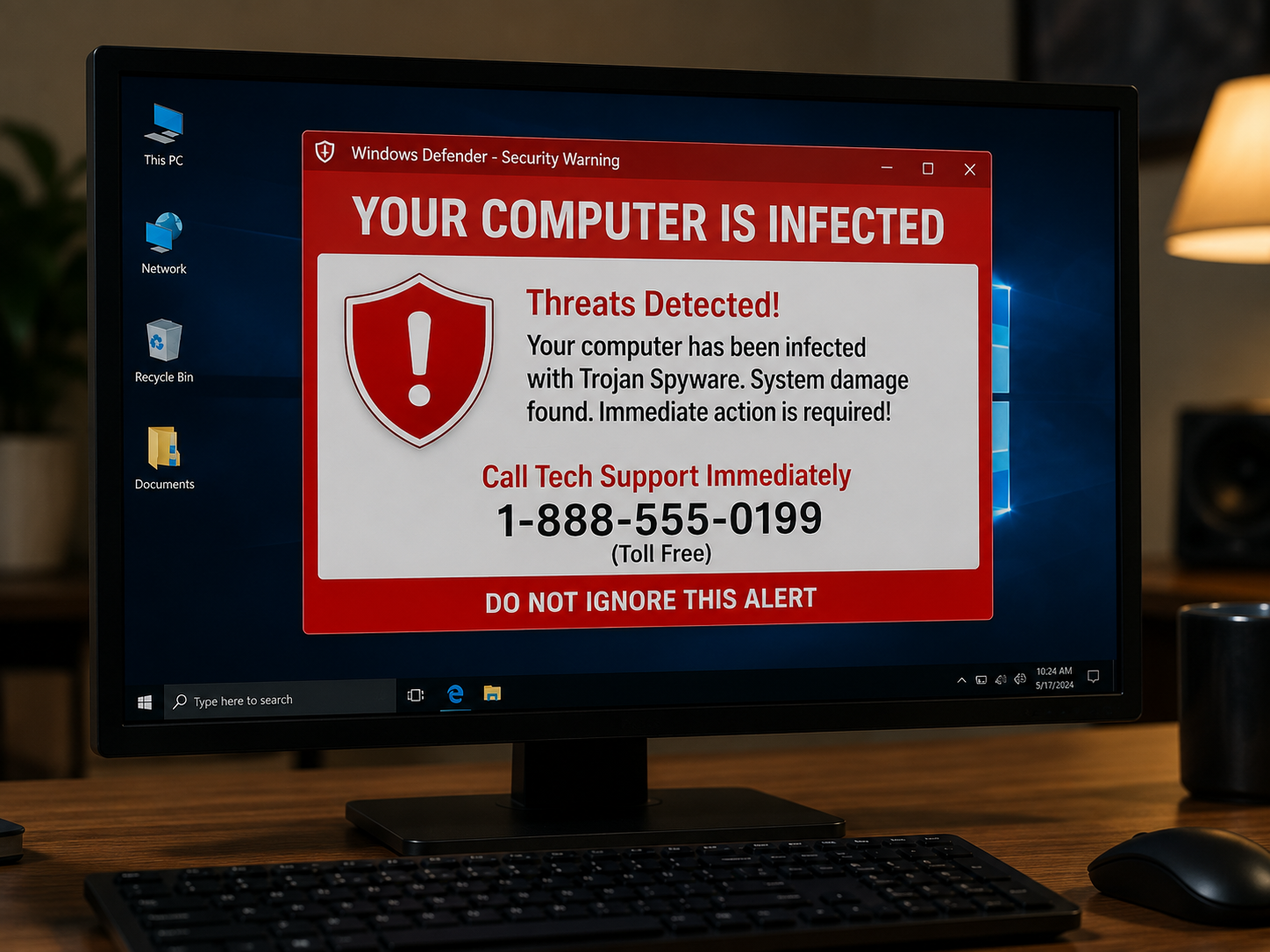
How Tech Support Scams Work
Although every scam is slightly different, most follow the same pattern.- Create panic with a fake warning or unexpected phone call.
- The scammer creates a sense of urgency.
- Convince you to stay on the phone.
- Ask you to install legitimate remote support software.
- Mislead you into believing your computer is infected.
- Attempt to collect payment or gain access to your financial accounts.
- Leave behind remote access software or make security changes.
Common Signs of a Tech Support Scam
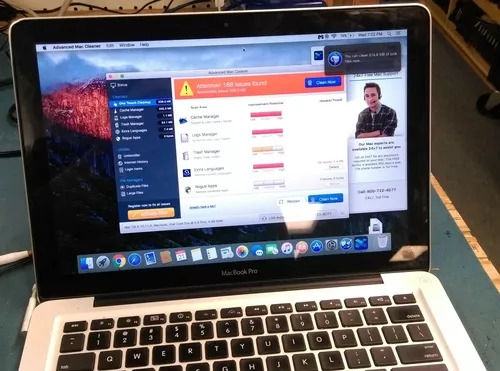
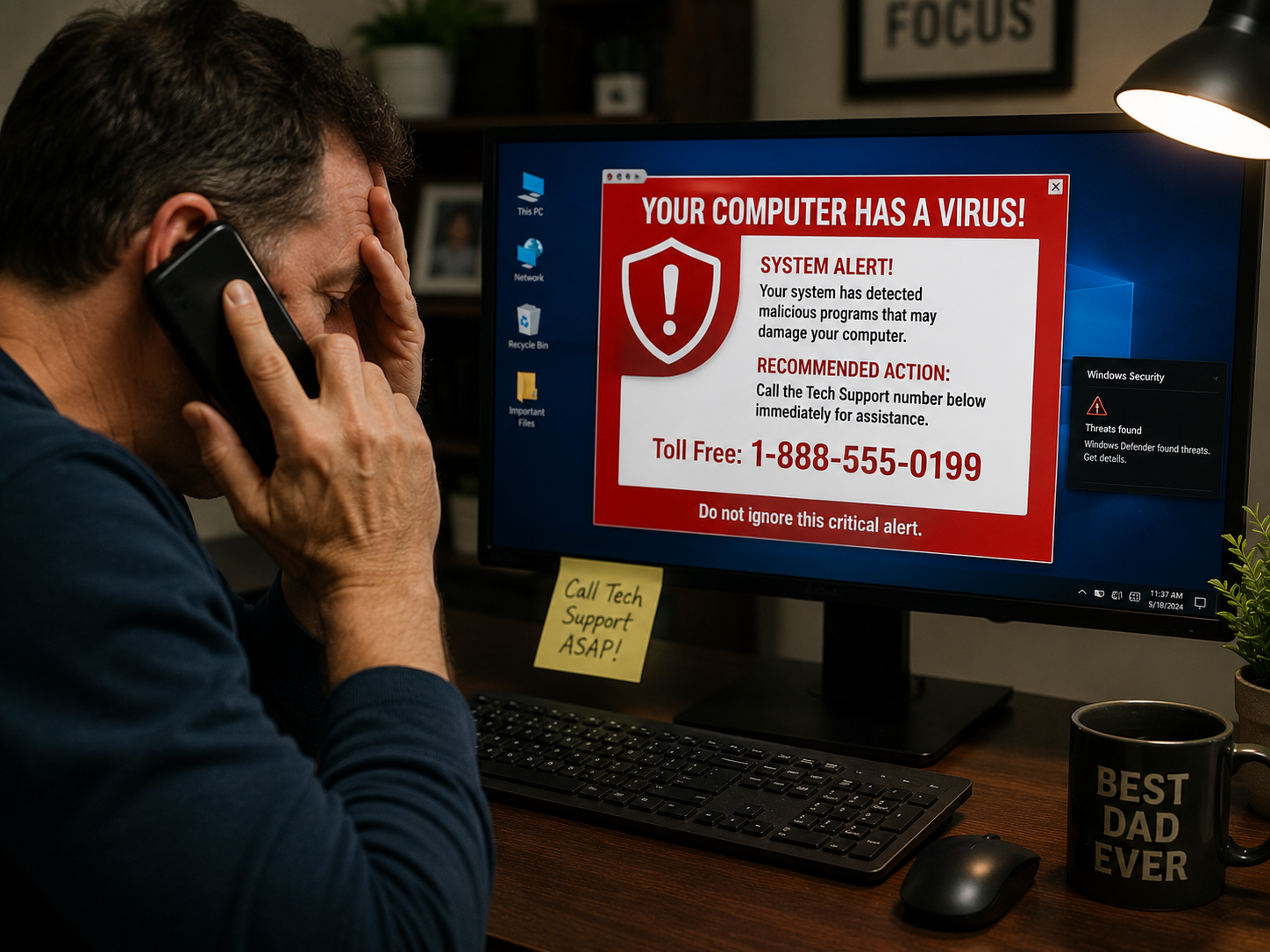
Legitimate companies such as Microsoft, Apple, Google, Dell, HP, or your bank generally do not display web pages instructing you to call a phone number because your computer is infected. Be suspicious if you encounter any of the following:- A web page claims your computer is infected and displays a phone number.
- A loud alarm or recorded voice tells you not to shut down your computer.
- You receive an unsolicited call claiming to be Microsoft, Apple, or Windows support.
- You are pressured to act immediately.
- You are asked to pay with gift cards or cryptocurrency.
- You are instructed to install remote support software.
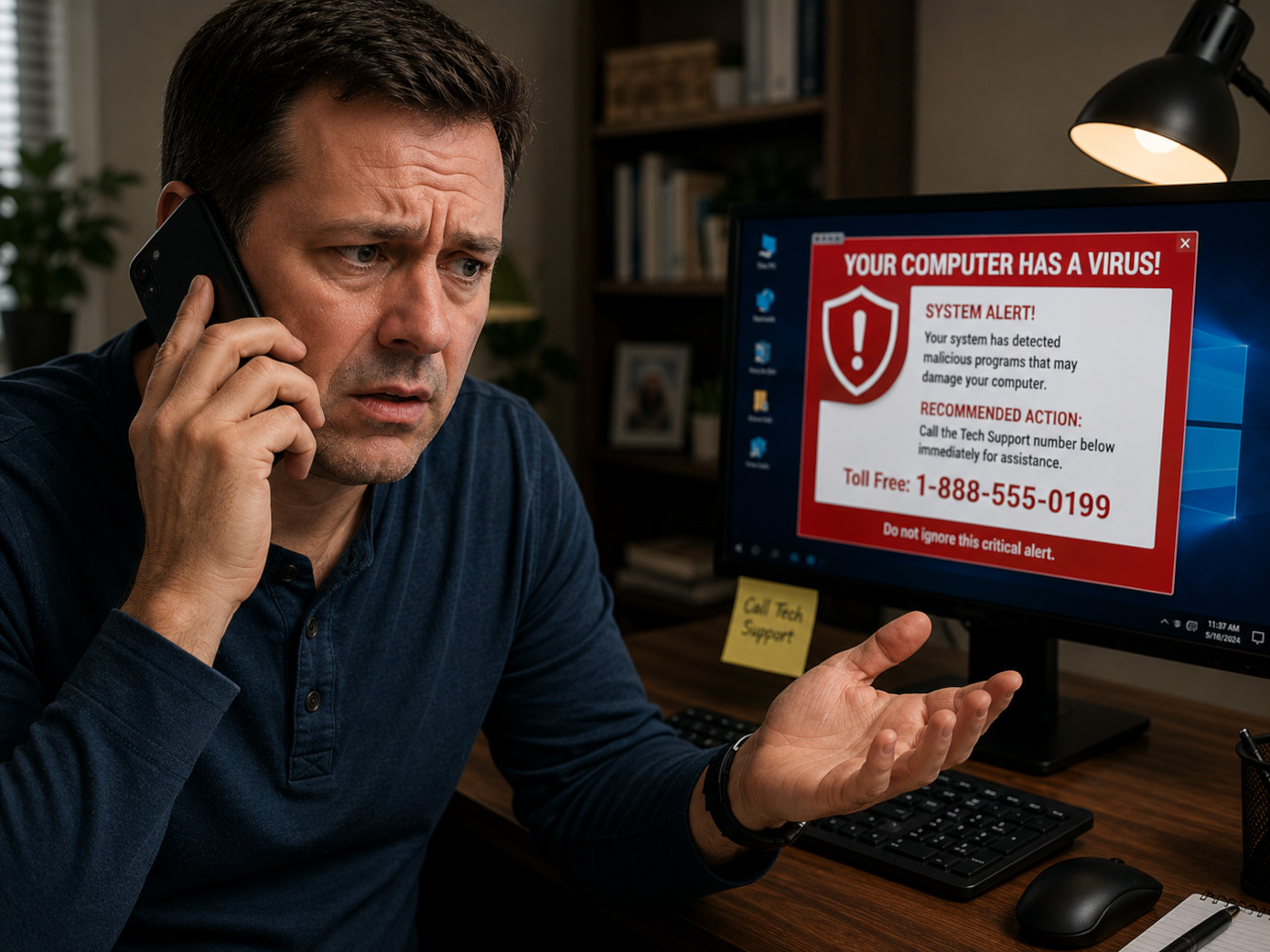
Step 1: You Only Saw the Warning Message
Fake virus alerts are designed to create panic. Do not call the number displayed. Close the browser if possible or simply power off the computer, even if the message tells you not to. In many cases the warning disappears after restarting. If it returns or you simply want peace of mind, PC Warehouse can professionally inspect your computer.
Step 2: You Called the Phone Number
The scammer's goal is to gain your trust and convince you to install legitimate remote support software such as AnyDesk, TeamViewer, ScreenConnect, RustDesk, or similar applications. These programs are commonly used by legitimate IT providers; the scam occurs when criminals misuse them. If you have not granted remote access, simply hang up.
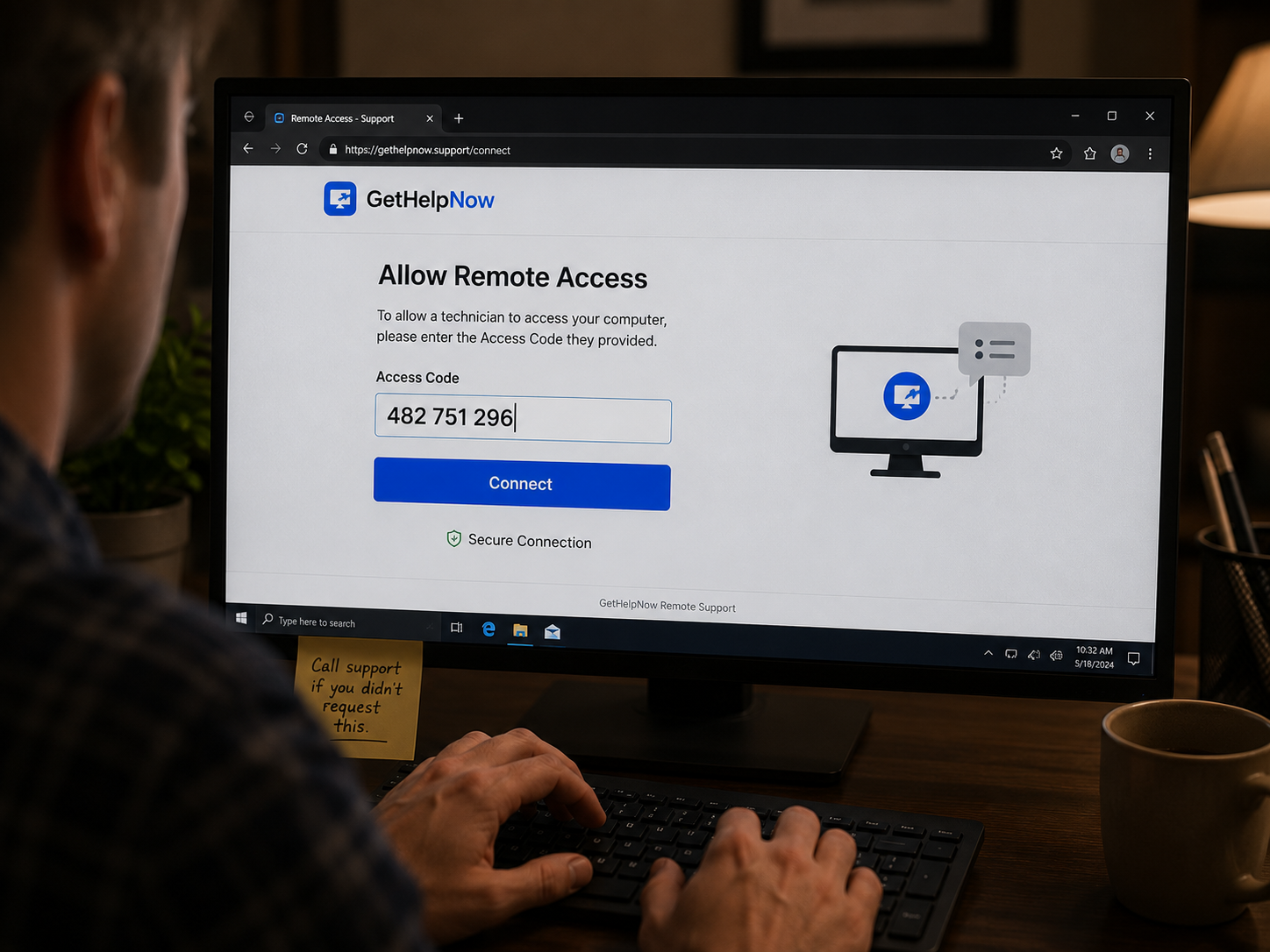
Step 3: The Scammer Gained Remote Access
Once remote access is approved, the scammer can control your keyboard and mouse as if sitting in front of your computer. They often open Command Prompt, Event Viewer, or other Windows utilities and falsely claim these normal system messages prove your computer is infected. Their ultimate goal is to obtain payment or access to your financial accounts.
If remote access was granted, stop using the computer for sensitive activities. Change passwords from another trusted device, notify your financial institutions if appropriate, and have the computer professionally inspected.
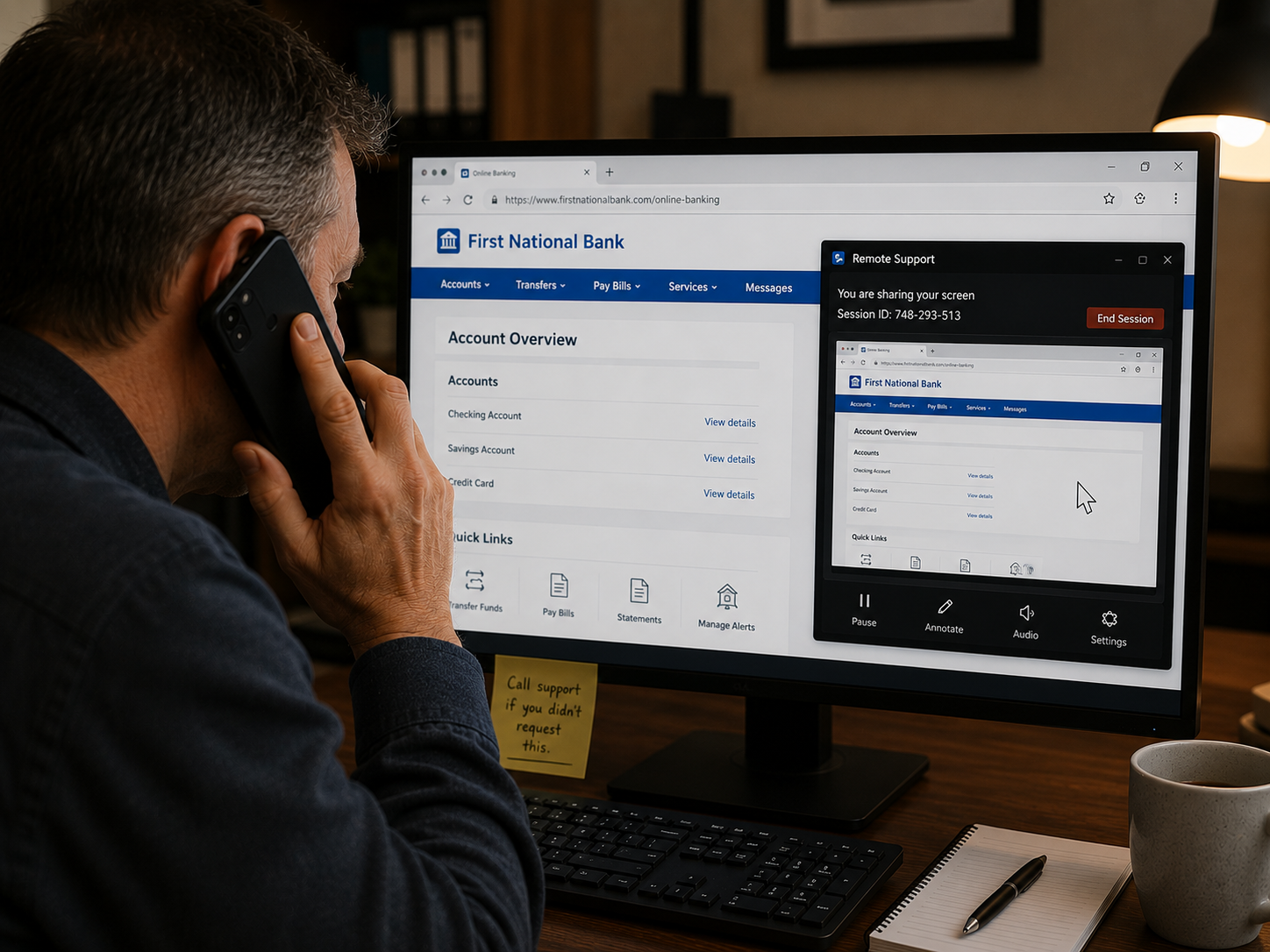
Step 4: Financial Information Was Exposed
If the scammer accessed your online banking, credit card information, debit card, or convinced you to make a payment, immediately contact every affected financial institution using the official phone number found on the back of your card or on the institution's official website. Explain that you were the victim of a tech support scam and follow their fraud department's recommendations.
Can Your Computer Be Trusted Again?
That depends on what the scammer did while connected. A professional inspection can determine whether remote access software remains installed, unauthorized user accounts were created, security settings were modified, or additional malware was installed. In some cases removing the remote software is sufficient. In others, a clean installation of Windows is the safest option.
How PC Warehouse Can Help
- Remove unauthorized remote access software.
- Inspect for malware and unwanted programs.
- Review startup items and scheduled tasks.
- Verify Windows security settings.
- Inspect for unauthorized user accounts.
- Reinstall Windows when appropriate while preserving your data whenever possible.
- Provide guidance on improving your account security.
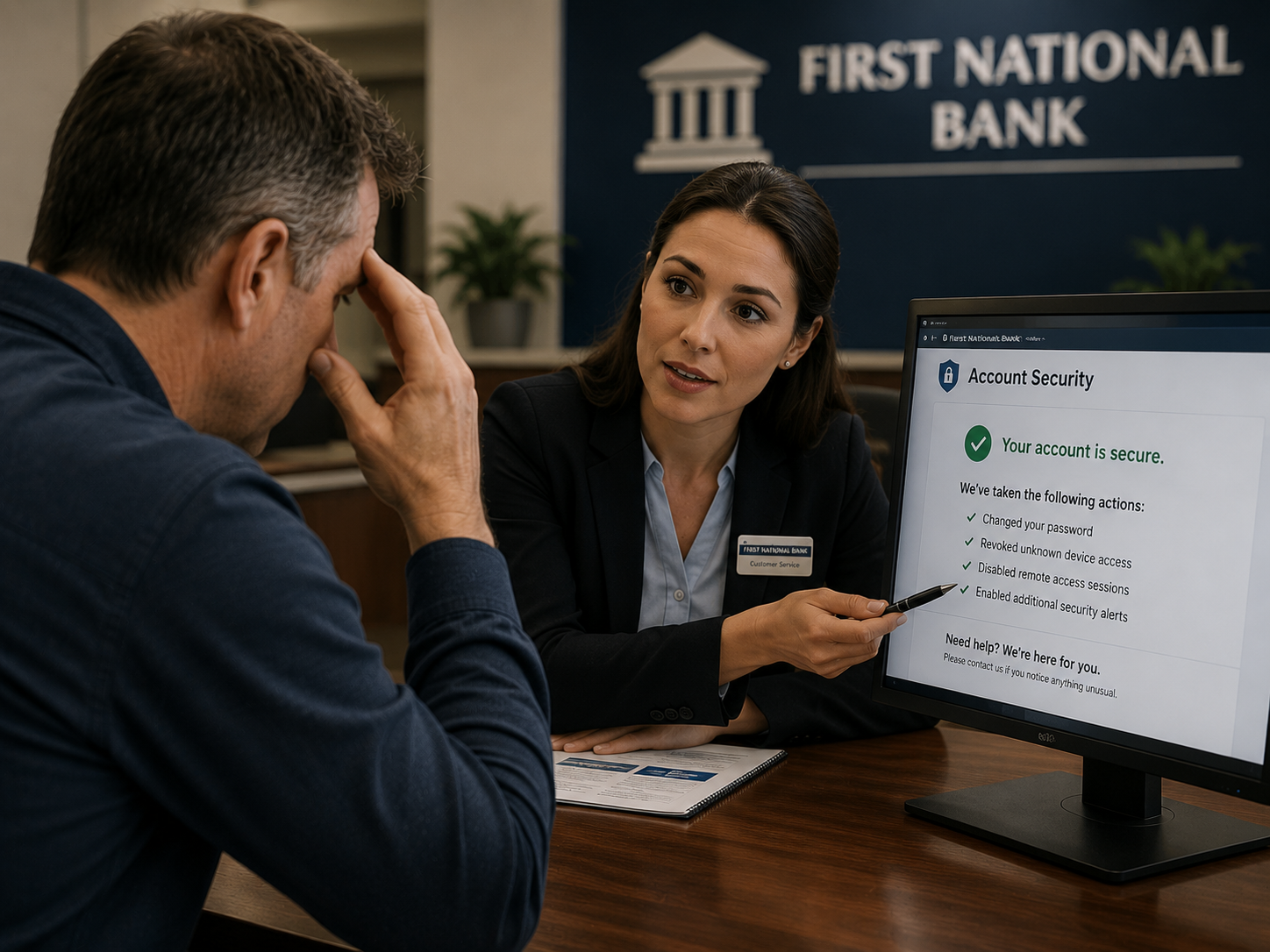
Don't Be Embarrassed
Tech support scams rely on psychology rather than computer expertise. Victims come from every background, including business owners, retirees, students, and IT professionals. Recognizing the scam at any stage is better than allowing it to continue.
More Cybersecurity Articles Coming Soon
We will continue publishing practical guides covering phishing emails, ransomware, password security, data backups, PCW Guardian, and other cybersecurity topics to help you stay safe online.