Moving files from one computer to another can be stressful, especially when your documents, photos, videos, music, email data, bookmarks, and other important files are stored in different locations. PC Warehouse offers professional data transfer and drive cloning services to help move your information safely from an old computer, hard drive, SSD, or external storage device to a new system.
Whether you are replacing an older computer, upgrading to a faster solid state drive, or recovering files from a working drive before reinstalling Windows, our technicians can help make the transition easier.
Data transfer is different from data recovery. If your old computer or drive is still working, a transfer or clone may be the best option. If the drive is failing, clicking, unreadable, physically damaged, or no longer detected, our data recovery service may be required instead.
Your files should move with you, not stay trapped on your old computer.
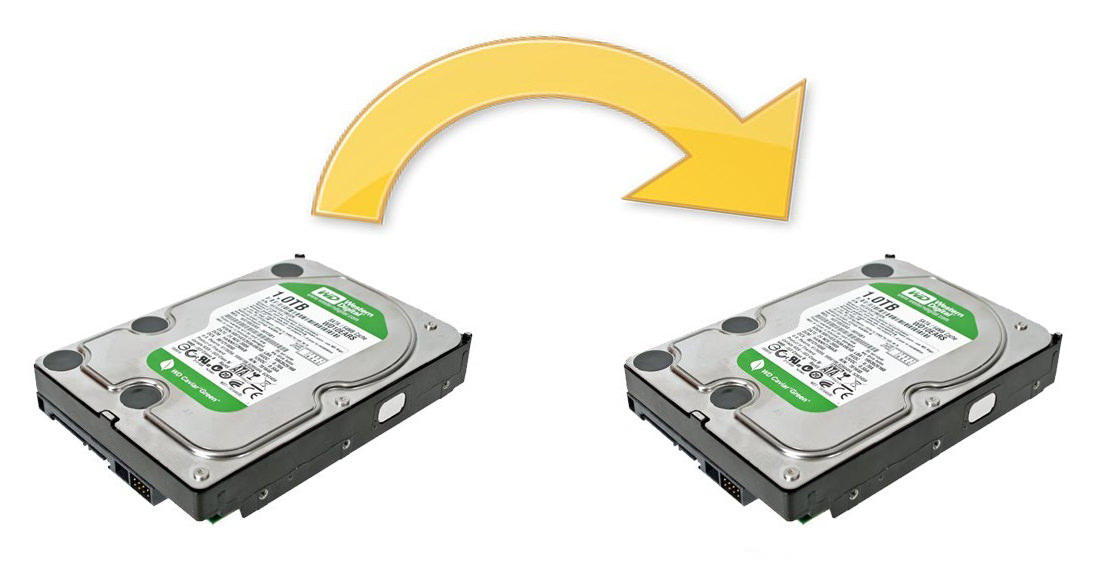
PC Warehouse can help with computer data transfer, hard drive cloning, SSD migration, new computer setup, Windows reinstall data backup, and file transfer services for desktops, laptops, all-in-one computers, and external drives.
Start Data Transfer ServiceMove. Clone. Upgrade.This service assumes that both the source and destination drives provided are fully functional and that the file system on each drive is in good condition. Data recovery service, a new hard drive, or both may be required otherwise.
Other terminology used:
sector copy
binary copy
clone (cloning)
ghost (ghosting)